Juggling tasks across email and sticky notes gets messy fast. Deadlines slip. Files get lost. You need one clear place to plan work and track it.
The best WordPress project management plugins bring that order right into your dashboard. You get task boards, deadlines, files, and team tools in one spot. No pricey outside app needed.
Every plugin on this list lives on the official WordPress.org plugin directory. So each one is free to install today, has passed WordPress’s review, and offers paid upgrades when you grow.
Key Takeaways
- These plugins run inside WordPress, so you manage tasks, teams, and clients without a separate app.
- Kanban boards and task lists keep work clear, with drag-and-drop stages and deadlines.
- Agency tools like invoicing come built in with picks such as Projectopia and WP ERP.
What Makes a Great WordPress Project Management Plugin?
The best WordPress project management plugins mix clear task boards with team tools, client access, and simple reports. They keep work on track and are easy to use.
That is the short version. Here is why each part matters.
Clarity keeps teams moving. Your plugin needs boards, task lists, and deadlines that everyone can see. When work is visible, less falls through the cracks.
Fit matters too. WordPress runs over 43% of all websites, according to W3Techs. Managing projects inside it saves logins, cuts costs, and keeps your data in one place.
Best Project Management Plugins for WordPress
We compared the top project tools on WordPress.org. We looked at boards, team features, client access, and ease of use. Here are the ten best.
1. Project Manager by weDevs
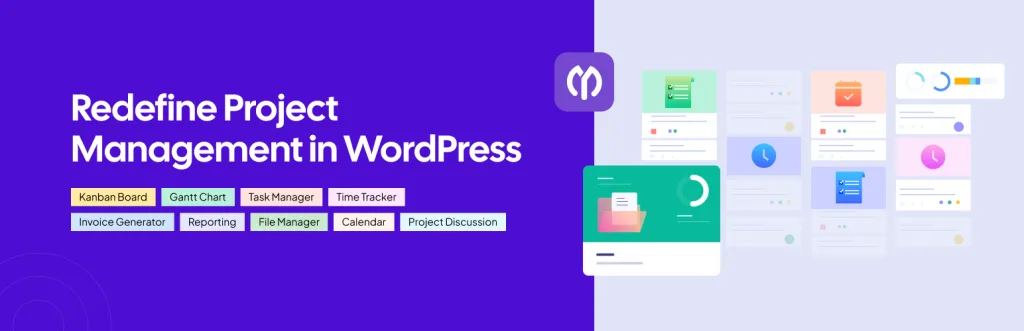
Best for: A full project tool inside WordPress. Download: wordpress.org/plugins/wedevs-project-manager
Project Manager by weDevs is one of the most complete tools here. It brings tasks, boards, milestones, and team chat right into your dashboard. It even adds AI features to help plan work.
You can create projects, assign tasks, and set due dates with ease. A kanban board and time tracker keep progress clear. It suits teams and freelancers who want one home for all their work. If you need a broad, capable project plugin, this is a top choice.
- Tasks, boards, and milestones
- Kanban board and time tracker
- Team chat and file sharing
- AI planning features
2. Fluent Boards
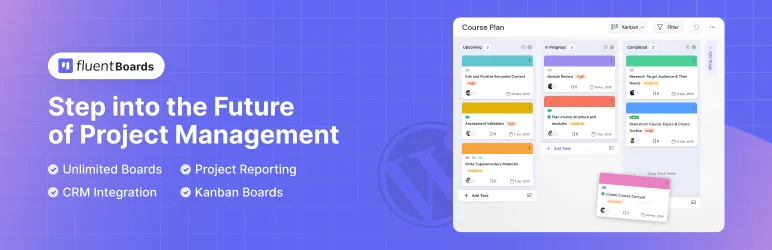
Best for: Fast, modern kanban boards. Download: wordpress.org/plugins/fluent-boards
Fluent Boards is a newer plugin with a clean, quick interface. It feels like a modern app like Trello, but it lives inside WordPress. Teams can plan and track work in a snap.
You drag tasks across stages, add labels, and set due dates with ease. Comments and assignees keep everyone in the loop. It stays light and loads fast, which many users love. For teams who want a slick, board-first tool, Fluent Boards is a great pick.
- Modern, Trello-style kanban boards
- Labels, due dates, and assignees
- Fast and light interface
- Comments to keep teams aligned
3. Zephyr Project Manager
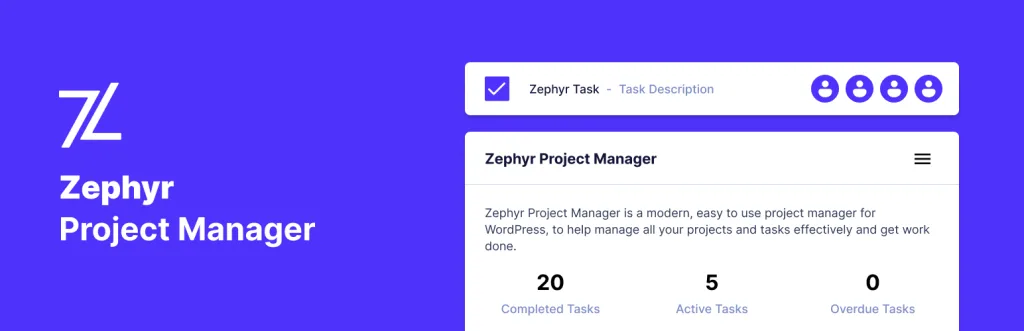
Best for: A clean, simple project dashboard. Download: wordpress.org/plugins/zephyr-project-manager
Zephyr Project Manager has a modern, easy layout. It suits small teams who want to plan tasks without a steep learning curve. The clean design keeps things simple.
You can build projects, add tasks, and track progress at a glance. It offers charts, categories, and email alerts to keep work on time. A mobile app add-on helps you check in on the go. For a tidy, no-fuss project tool, Zephyr is a solid free option.
- Clean, easy dashboard
- Tasks, charts, and categories
- Email alerts for deadlines
- Optional mobile app
4. UpStream
Best for: Client-facing project tracking. Download: wordpress.org/plugins/upstream
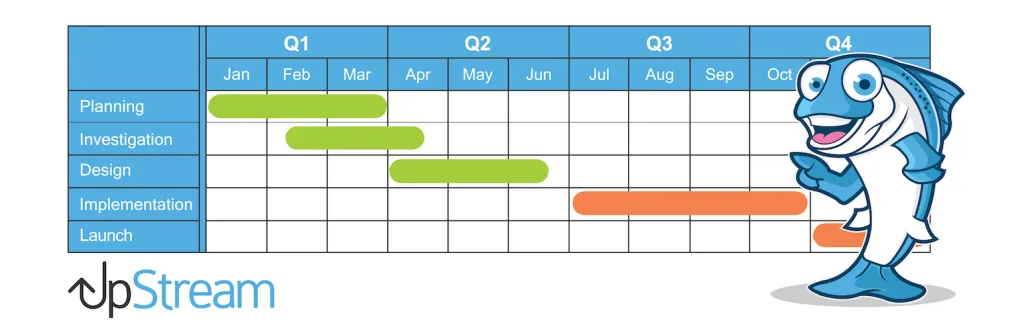
UpStream is built to share projects with clients. Your clients log in and see tasks, milestones, and files. That cuts back-and-forth emails and builds trust.
You track progress, bugs, and discussions in one place. Clients see only what you allow, so it stays clean and clear. It suits freelancers and agencies who work with outside clients. For a simple client portal built into WordPress, UpStream is a strong free pick.
- Client login and project portal
- Tasks, milestones, and files
- Bug and discussion tracking
- Great for freelancers and agencies
5. TaskBuilder
Best for: Simple task boards for small teams. Download: wordpress.org/plugins/taskbuilder
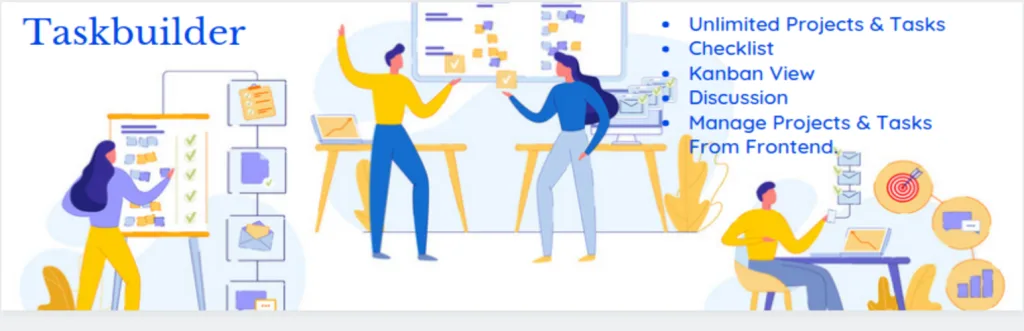
TaskBuilder is a lightweight task and project plugin. It keeps things simple with clean boards and task lists. Small teams can get going in minutes.
You create tasks, drag them across a board, and track what is done. It supports assignees, due dates, and comments. The clean design keeps your team focused on the work, not the tool. For a quick, easy board without extra bloat, TaskBuilder is a handy free choice.
- Clean task boards and lists
- Assignees, due dates, comments
- Light and quick to set up
- Good for small teams
6. Projectopia
Best for: Agencies that also bill clients. Download: wordpress.org/plugins/projectopia-core
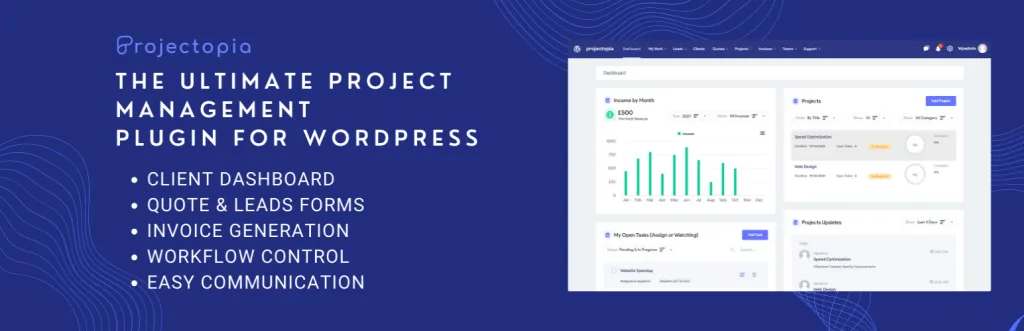
Projectopia mixes project management with invoicing and client tools. It suits agencies that plan work and bill for it in one place. That saves you from juggling two systems.
You get tasks, milestones, a client portal, quotes, and invoices. Clients can log in, view progress, and pay bills. It turns WordPress into a full agency hub. For freelancers and studios who want projects and billing together, Projectopia is a smart, all-in-one pick.
- Projects plus quotes and invoices
- Client portal and progress views
- Milestones and task tracking
- Great for agencies
7. LazyTasks
Best for: Easy task tracking for small teams. Download: wordpress.org/plugins/lazytasks-project-task-management
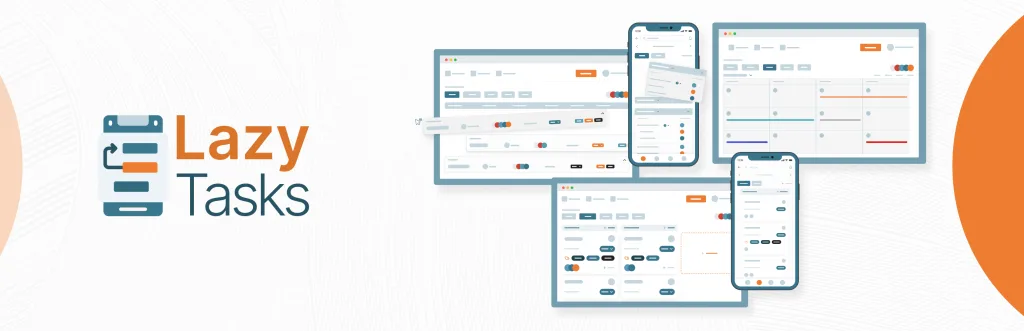
LazyTasks is a simple task and project plugin with a friendly design. It focuses on the basics, so small teams can plan and track tasks with ease.
You create tasks, set priorities, and follow progress on a clean board. Assignees, comments, and due dates keep things moving. It is a good fit for teams that find bigger tools too heavy. For light, everyday task tracking inside WordPress, LazyTasks does the job well.
- Simple task boards and lists
- Priorities, due dates, comments
- Friendly, easy design
- Great for small teams
8. WP ERP

Best for: Projects plus HR and CRM. Download: wordpress.org/plugins/erp
WP ERP is a full business suite with HR, CRM, and accounting. Its project module lets you manage tasks alongside your team and client data. It suits growing companies that want it all in one place.
You get task boards, team profiles, and customer records under one roof. That link between projects and people is handy for larger teams. It is more than a pure project tool, so it fits businesses with wider needs. For an all-in-one company hub, WP ERP is a powerful option.
- Projects, HR, CRM, and accounting
- Task boards tied to your team
- Customer records built in
- Great for growing companies
9. BugHerd

Best for: Website feedback and bug tracking. Download: wordpress.org/plugins/bugherd
BugHerd turns website feedback into clear tasks. Clients and team members point and click on a page to leave notes. Each note becomes a task on your board.
This is perfect for web projects, where feedback often gets lost in email. You see exactly what needs fixing and where. It keeps design and dev work organized. For agencies and freelancers who build sites, BugHerd is a smart way to manage feedback and bugs.
- Point-and-click website feedback
- Feedback turns into tasks
- Great for web design and dev
- Keeps bugs organized
10. Ndizi Project Management

Best for: A simple all-in-one team hub. Download: wordpress.org/plugins/ndizi-project-management
Ndizi is a newer, all-in-one plugin for projects, tasks, and team info. It aims to keep clients, staff, and work together in one clean dashboard.
You can track projects, assign tasks, store files, and keep contact records. It bundles several team tools into one place, which cuts plugin clutter. It is best for small teams that want a single, simple hub. For an easy, tidy way to run projects and people, Ndizi is worth a try.
- Projects, tasks, and files
- Contact and team records
- One clean dashboard
- Good for small teams
Quick Comparison: WordPress Project Management Plugins
| Plugin | Best For | Standout Feature |
|---|---|---|
| Project Manager by weDevs | Full project tool | Boards plus AI planning |
| Fluent Boards | Modern kanban | Fast, Trello-style boards |
| Zephyr Project Manager | Simple dashboard | Clean, easy layout |
| UpStream | Client tracking | Client portal |
| TaskBuilder | Small teams | Light task boards |
| Projectopia | Agencies | Invoicing built in |
| LazyTasks | Easy task tracking | Friendly design |
| WP ERP | Projects plus HR/CRM | Full business suite |
| BugHerd | Website feedback | Point-and-click bugs |
| Ndizi | All-in-one hub | Projects plus contacts |
How to Choose the Right Project Plugin
Start with your team. For simple boards, Fluent Boards or TaskBuilder fit. For client work, UpStream or Projectopia lead. For a full business, WP ERP does the most.
Then think about billing. If you invoice clients, Projectopia saves you a second tool by handling projects and payments together.
- Boards: Look for kanban and clear task lists.
- Client access: Pick a portal if clients need updates.
- Billing: Choose built-in invoicing for agency work.
- Ease of use: A simple tool your team will actually use.
Common Project Plugin Mistakes to Avoid
Picking a tool that is too complex. If it is hard to use, your team will skip it. Choose something simple they will stick with.
No clear owners. Every task needs one owner. Assign tasks so nothing gets lost.
Skipping client access. If you serve clients, give them a portal. It cuts emails and builds trust.
Running too many tools. One good project plugin beats five apps. Keep your stack simple.
Frequently Asked Questions
What is the best project management plugin for WordPress?
Project Manager by weDevs and Fluent Boards are top picks, with kanban boards, tasks, and team tools built right into WordPress.
Can I manage client projects in WordPress?
Yes. Plugins like UpStream, Projectopia, and WP Project Manager let clients view progress, tasks, and files from a portal.
Are these project management plugins free?
Yes. Each has a free version on WordPress.org. Pro plans add time tracking, invoicing, and advanced reports.
Do these plugins have kanban boards?
Yes. Fluent Boards, Project Manager, and TaskBuilder all offer kanban boards to move tasks across stages with drag and drop.
Can I track time on tasks?
Yes. Several plugins, including WP Project Manager and Projectopia, include time tracking for tasks and billing.
Which plugin is best for teams?
Fluent Boards and Project Manager suit teams well, with shared boards, task assignment, comments, and progress views.
Do I need coding skills to use them?
No. Every plugin here works from the WordPress dashboard, so you manage tasks and projects with no code.
Can clients log in to see progress?
Yes. UpStream, Projectopia, and similar plugins offer client access, so clients track their project without emailing you.
Are these plugins good for agencies?
Yes. Projectopia and WP ERP add invoicing, CRM, and client tools that suit agencies managing many client projects.
Can I switch project plugins later?
Yes, but task data may not transfer cleanly. Export what you can and plan to rebuild boards and projects in the new tool.
Conclusion
The best WordPress project management plugins keep your work in one place. Project Manager by weDevs and Fluent Boards lead for teams, UpStream and Projectopia shine for client work, and WP ERP suits full businesses.
Whichever you pick, focus on clear boards, easy use, and the right client and billing tools. Those things decide whether your team stays on track or falls behind.
Need a clean, fast theme for your team or agency site? Explore our free WordPress themes at StrivioThemes and build a site that works as hard as you do.