A page builder lets you design pages with drag and drop, no code needed. But the wrong one can bloat your site and slow it to a crawl, which hurts both users and rankings.
The best WordPress page builder plugins balance power with speed. Some give you full visual control, while others extend the block editor and stay feather-light. We ranked ten by both features and performance.
Every plugin on this list lives on the official WordPress.org plugin directory. So each one is free to install today, has passed WordPress’s review, and offers a pro version when you need more.
Key Takeaways
- Elementor leads on features, with the biggest widget library and template pack for full visual design.
- Block builders win on speed. GenerateBlocks and Kadence Blocks stay light and fast.
- Match the tool to your goal: heavy design versus lean, fast pages that rank well.
What Makes a Great WordPress Page Builder Plugin?
The best WordPress page builder plugins combine drag-and-drop design with clean code, ready templates, and mobile controls. They give you creative freedom without wrecking your page speed.
That is the short version. Here is why each part matters.
Speed is the quiet dealbreaker. Heavy builders add extra code and scripts that slow load times. A light, well-coded builder keeps your pages fast, which helps SEO and keeps visitors around.
Features close the deal. You want templates, flexible layouts, and mobile editing. WordPress powers over 43% of all websites, according to W3Techs, and the right builder makes design easy without code.
WordPress Page Builder Plugins Ranked
We ranked the top page builders on WordPress.org by speed, features, and ease of use. Here are the ten best, from full visual builders to fast block-based tools.
1. Elementor
Best for: Full visual design and landing pages. Download: wordpress.org/plugins/elementor
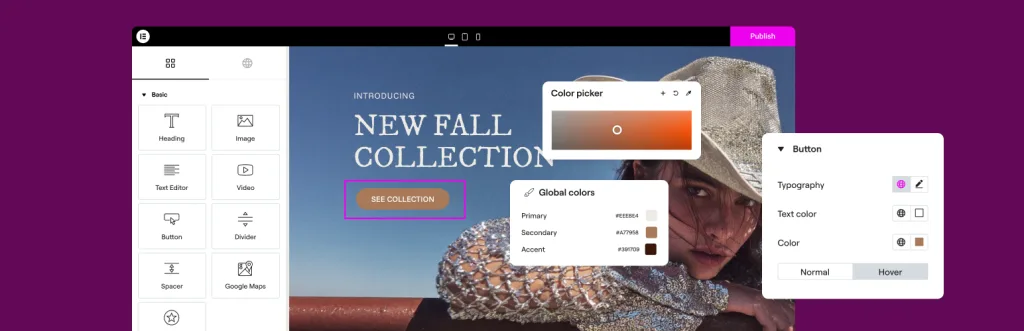
Elementor is the most popular WordPress page builder, used on millions of sites. Its live drag-and-drop editor lets you design any page, from a homepage to a full sales funnel, without code.
You get a huge library of widgets, templates, and design controls, plus a big add-on ecosystem. It is the go-to for creative freedom and a top WPBakery or Divi alternative. The trade-off is weight, so you should pair it with caching and a light theme. For designers who want full control, Elementor is hard to beat.
- Live drag-and-drop visual editor
- Huge widget and template library
- Big add-on ecosystem
- Great for landing pages
2. Kadence Blocks

Best for: Fast design inside the block editor. Download: wordpress.org/plugins/kadence-blocks
Kadence Blocks supercharges the native block editor with powerful layout blocks. It gives you rows, columns, buttons, and advanced design options while staying fast and light.
Because it builds on Gutenberg, there is no heavy separate editor to load. You get ready design libraries and full control over spacing, colors, and responsiveness. It is a favorite for people who want builder-level power without the bloat. For a quick, modern site that scores well on speed tests, Kadence Blocks is a top pick.
- Powerful blocks for the native editor
- Light and fast by design
- Ready design libraries
- Full responsive controls
3. GenerateBlocks
Best for: The fastest, leanest page building. Download: wordpress.org/plugins/generateblocks
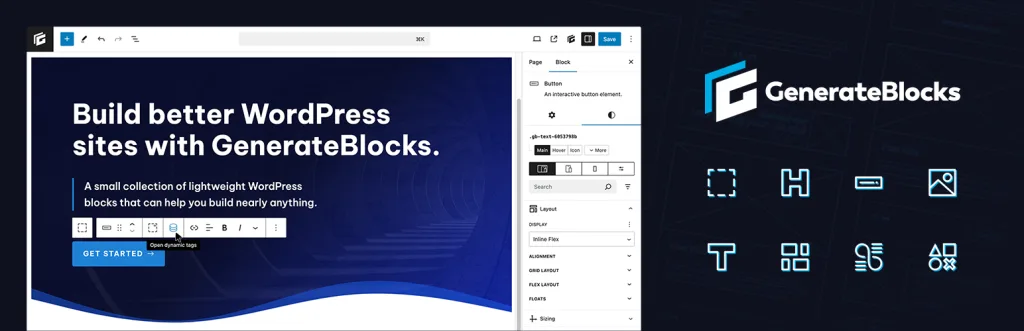
GenerateBlocks takes a minimal approach with just a few powerful blocks. That small footprint is exactly why it is one of the fastest ways to build custom layouts in WordPress.
With a container, grid, headline, button, and image block, you can build almost anything. It outputs clean, lean code that loads quickly and scores high on Core Web Vitals. It has a near-perfect user rating for good reason. For speed-focused builders and developers, GenerateBlocks is the go-to choice.
- Tiny footprint, top speed
- Clean, lean code output
- Great for Core Web Vitals
- Loved by developers
4. Beaver Builder
Best for: Stable, developer-friendly building. Download: wordpress.org/plugins/beaver-builder-lite-version
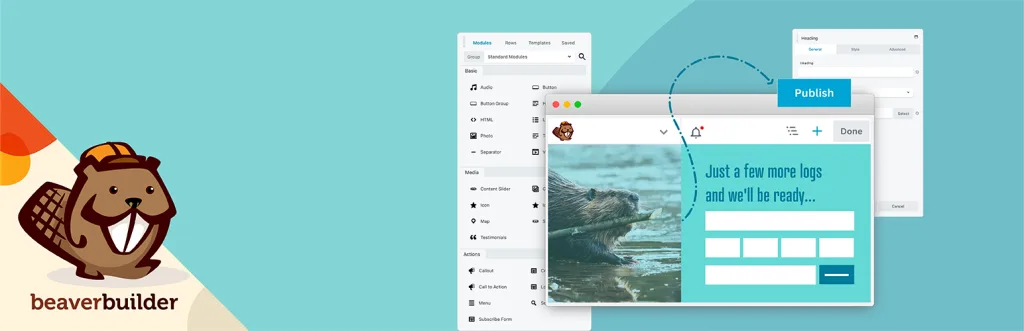
Beaver Builder is a trusted drag-and-drop builder known for stability and clean code. Agencies and developers love it because it rarely breaks a site and plays nicely with most themes.
The editor is simple and reliable, with modules for common layouts and content. Its code is tidier than many rivals, so pages stay reasonably light. If you ever remove it, your content does not turn into a mess of shortcodes. For client sites that need to be dependable, Beaver Builder is a smart, safe choice.
- Stable and reliable editor
- Clean code and theme friendly
- Great for agencies and clients
- No shortcode mess if removed
5. Otter Blocks
Best for: Extra blocks and full site editing. Download: wordpress.org/plugins/otter-blocks
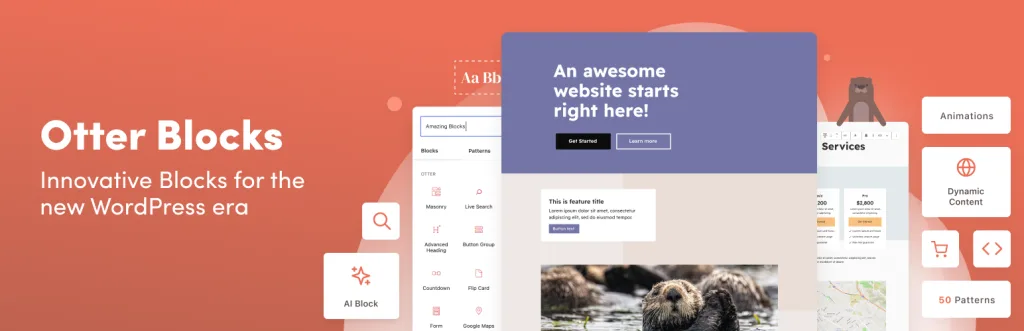
Otter Blocks adds a rich set of blocks and templates to the native editor. It works great with full site editing, so you can design headers, footers, and full pages with blocks.
You get section blocks, sliders, forms, and dynamic content, plus a template library to speed up builds. It stays fairly light while adding useful design power. For people who prefer the block editor but want more layout options, Otter Blocks is a flexible, modern choice that fits today’s WordPress.
- Rich block set and templates
- Great for full site editing
- Sliders, forms, and dynamic content
- Stays fairly light
6. Stackable
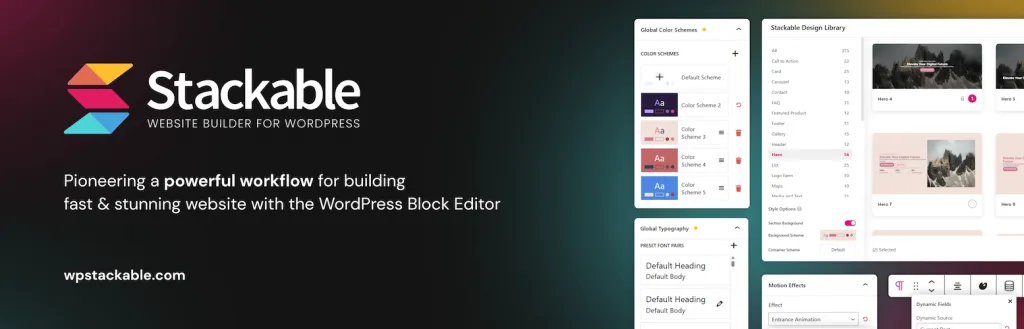
Best for: Beautiful pre-designed block layouts. Download: wordpress.org/plugins/stackable-ultimate-gutenberg-blocks
Stackable is a block builder with a strong focus on beautiful design. It adds dozens of blocks and ready-made sections, so you can build a polished page quickly inside Gutenberg.
Its design library is a big draw, with modern layouts you can drop in and edit. It holds a near-perfect user rating and keeps performance in mind. For anyone who wants a stylish site without hiring a designer, Stackable makes good design fast and simple, all within the native editor.
- Dozens of design-focused blocks
- Ready-made section library
- Near-perfect user rating
- Works in the native editor
7. Brizy
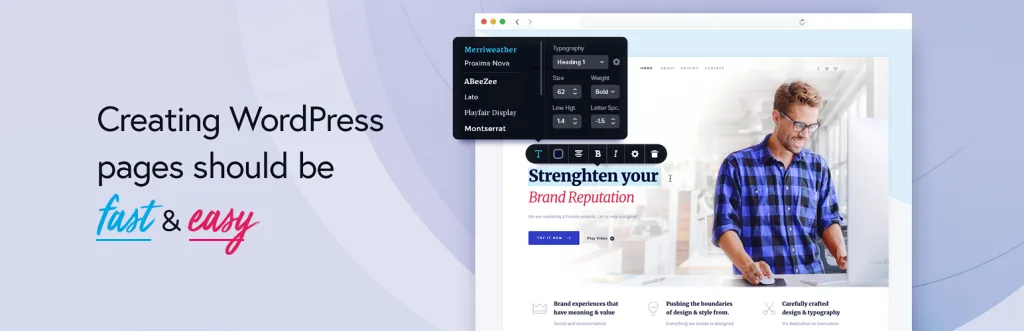
Best for: Beginners who want easy visual design. Download: wordpress.org/plugins/brizy
Brizy is a friendly drag-and-drop builder made with beginners in mind. Its clean interface and point-and-click editing make design feel simple, even if you have never built a page before.
You get hundreds of pre-made blocks and templates, plus a global styling system to keep your site consistent. It is a strong choice for small businesses and freelancers who want good-looking pages fast. While it is not as vast as Elementor, its ease of use makes Brizy a great entry point into visual page building.
- Beginner-friendly visual editor
- Hundreds of blocks and templates
- Global styling for consistency
- Great for small businesses
8. Greenshift

Best for: Animations and advanced block effects. Download: wordpress.org/plugins/greenshift-animation-and-page-builder-blocks
Greenshift is a block-based builder built for modern, animated designs. It adds advanced blocks, motion effects, and interactions that usually need custom code, all inside Gutenberg.
Despite the visual flair, it focuses on performance and clean output. You can add scroll effects, hover animations, and dynamic content while keeping pages fast. It suits creative sites and developers who want cutting-edge design without a heavy separate builder. For eye-catching, animated pages that still load quickly, Greenshift is a powerful modern pick.
- Animations and motion effects
- Advanced blocks and interactions
- Performance-focused output
- Great for creative sites
9. SiteOrigin Page Builder
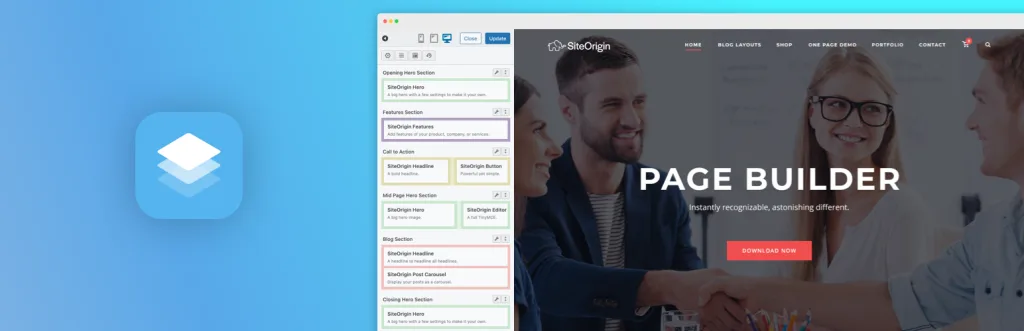
Best for: A free, lightweight classic builder. Download: wordpress.org/plugins/siteorigin-panels
SiteOrigin Page Builder is a long-running free builder with a huge user base. It uses a row-and-widget system that is simple to learn and keeps pages relatively light.
It works with standard WordPress widgets plus its own widget bundle, so you get plenty of options at no cost. It holds a strong user rating and is a favorite for budget builds. It is less flashy than newer tools, but for a free, dependable, lightweight builder, SiteOrigin remains a trusted classic.
- Free and lightweight
- Simple row-and-widget system
- Works with standard widgets
- Trusted by a huge user base
10. Live Composer
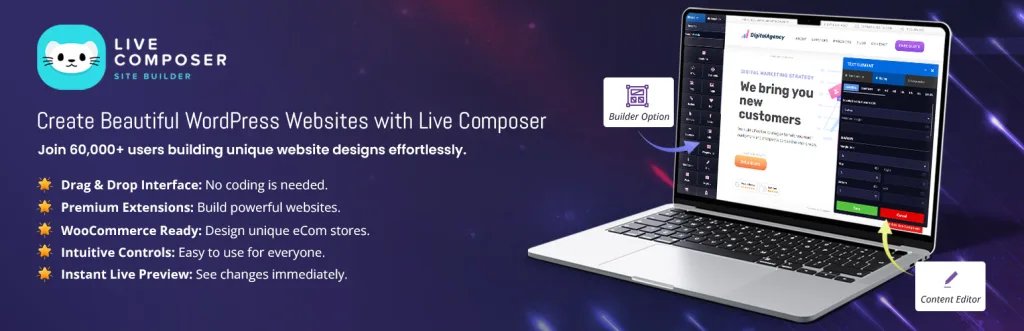
Best for: A fully free front-end builder. Download: wordpress.org/plugins/live-composer-page-builder
Live Composer is a free, front-end drag-and-drop builder. You edit pages live and see changes right away, with no locked features hidden behind a paywall in the core plugin.
It includes modules for text, images, galleries, and more, so you can build full layouts at no cost. It is a good fit for hobby sites and tight budgets that still want visual editing. It is not as polished as the big names, but as a genuinely free page builder, Live Composer gives you a lot without spending a dime.
- Free front-end live editing
- Modules for common content
- No core paywall
- Good for budget sites
Quick Comparison: WordPress Page Builder Plugins
| Plugin | Best For | Speed |
|---|---|---|
| Elementor | Full visual design | Moderate |
| Kadence Blocks | Fast block design | Fast |
| GenerateBlocks | Leanest builds | Very fast |
| Beaver Builder | Stable client sites | Fast |
| Otter Blocks | Full site editing | Fast |
| Stackable | Design libraries | Fast |
| Brizy | Beginners | Moderate |
| Greenshift | Animations | Fast |
| SiteOrigin | Free lightweight builds | Fast |
| Live Composer | Fully free building | Moderate |
How to Choose the Right Page Builder
Start with your priority. If you want max speed, GenerateBlocks or Kadence Blocks lead. If you want full visual design, Elementor or Brizy fit best.
Then think about the future. Block-based builders match where WordPress is heading, so they are a safe long-term bet for most sites.
- Speed: Block builders stay lightest and rank well.
- Features: Elementor and Brizy offer the most widgets.
- Ease of use: Beginners like Brizy and Elementor.
- Future-proofing: Block editor tools follow WordPress trends.
Common Page Builder Mistakes to Avoid
Stacking many builders. Use one builder per site. Mixing them adds bloat and can break layouts.
Ignoring speed. Test pages with a speed tool. Add caching and image optimization to keep load times low.
Overloading pages. Too many widgets and animations slow things down. Keep designs clean and purposeful.
Forgetting mobile. Always adjust and test your layouts on phones before you publish.
Frequently Asked Questions
What is the best WordPress page builder plugin?
Elementor is the most popular page builder, while GenerateBlocks and Kadence Blocks are the fastest, lightest picks for the block editor.
Which page builder is fastest?
GenerateBlocks and Kadence Blocks are among the fastest, since they add little code and build on the native block editor.
Are these page builder plugins free?
Yes. Every plugin here has a free version on WordPress.org. Pro versions add more templates, widgets, and design controls.
Do page builders slow down WordPress?
Some can add code and slow pages. Block-based builders like GenerateBlocks stay light, while classic builders may need caching to stay fast.
Do I need coding skills to use a page builder?
No. Every page builder here uses drag and drop or the block editor, so you can design pages with no code.
Which builder works with the block editor?
Kadence Blocks, GenerateBlocks, Otter Blocks, Stackable, and Greenshift all extend the native Gutenberg block editor.
Can I build landing pages with these plugins?
Yes. Elementor, Beaver Builder, and Brizy include landing page templates, and block builders let you design custom layouts fast.
Are page builders mobile friendly?
Yes. All ten let you adjust layouts for phones and tablets, so your pages look sharp on every screen size.
Should I use a page builder or the block editor?
Block-based builders give you the best of both. For heavy visual design, Elementor or Brizy help; for speed, use block plugins.
Can I switch page builders later?
You can, but layouts built in one builder usually do not carry over. Rebuilding pages is often needed, so choose carefully.
Conclusion
The best WordPress page builder plugins balance power and speed. Elementor and Brizy win on features and ease, while GenerateBlocks and Kadence Blocks lead on performance inside the block editor.
Whichever you pick, focus on clean code, fast pages, and mobile design. Those things decide whether your site looks great and loads quickly, or looks great and crawls.
Want a light, builder-ready theme to pair with your plugin? Explore our free WordPress themes at StrivioThemes and design pages that load fast.