The best AI plugins for WordPress can save you hours each week. They help you write content, chat with visitors, and boost SEO. All from inside your dashboard.
In this guide we compare ten top AI plugins for WordPress. Each one covers a key task like writing, chat, or search ranking. Most are free to start and easy to set up.
Whether you run a blog, a shop, or a news site, there is a tool here for you. These artificial intelligence plugins use models like ChatGPT to do the heavy lifting. Read on to find your best match.
Key Takeaways
- AI Engine and AI Power are the best all-in-one AI plugins with chat, content, and image tools.
- GetGenie and WordLift are top picks for AI-driven SEO and content ranking.
- WPBot and MxChat are great choices if you mainly need a smart AI chatbot.
What Makes a Great AI Plugin for WordPress
A good AI plugin should be easy to use and safe with your data. It must connect to trusted models like OpenAI. Setup should not need any code.
Look for tools that match your main goal. Some focus on writing, others on chat or SEO. Cost control matters too, since AI models charge per use. Pick a plugin that shows your usage and keeps spend clear.
The 10 Best AI Plugins for WordPress
Here are our top picks for AI plugins for WordPress. Each entry lists what it does best and where to download it. We include a short review and the key features of every plugin.
1. AI Engine

Best for: Sites that want an all-in-one AI toolkit Download: wordpress.org/plugins/ai-engine
AI Engine is a top pick for adding AI to WordPress. It brings a chatbot, a content writer, and an image maker in one plugin. You can connect it to OpenAI and other models.
The plugin lets you build a custom chatbot in minutes. It can answer questions using your own site content. This helps visitors find what they need fast.
AI Engine also tracks usage and costs. You stay in control of your API spend. The free version is strong, and the Pro plan adds more power.
- Chatbot, content writer, and image tools
- Connects to OpenAI and other models
- Usage and cost tracking built in
- Custom chatbot trained on your content
2. GetGenie
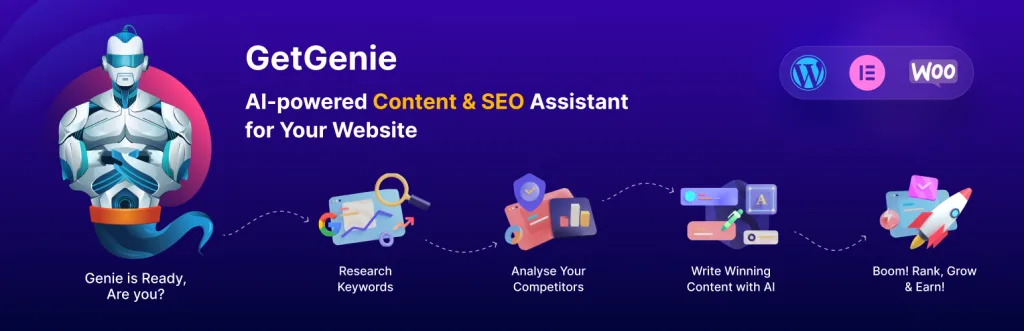
Best for: Bloggers who want AI writing plus SEO Download: wordpress.org/plugins/getgenie
GetGenie mixes AI writing with SEO tools. It helps you plan, write, and rank content faster. You get more than 30 templates for blogs and ads.
The plugin studies top pages for your keyword. Then it suggests terms to add for better SEO. This helps your posts match search intent.
GetGenie works right inside the WordPress editor. You do not need to switch tabs. A free plan lets you test it before you pay.
- More than 30 AI writing templates
- SEO analysis of top-ranking pages
- Keyword and content score tools
- Works inside the WordPress editor
3. AI Power

Best for: Users who want many AI features at a low cost Download: wordpress.org/plugins/gpt3-ai-content-generator
AI Power packs many AI tools into one plugin. It writes content, builds forms, and runs a chatbot. You can also make images and audio from text.
The plugin supports many AI models in one place. You pick the one that fits your budget and needs. Bulk tools help you write many posts fast.
AI Power is a good value choice. The free version offers a lot for no cost. It suits sites that want to try many AI tasks.
- Content writer with bulk post tools
- Chatbot and AI forms included
- Image and text-to-speech tools
- Support for many AI models
4. WPBot
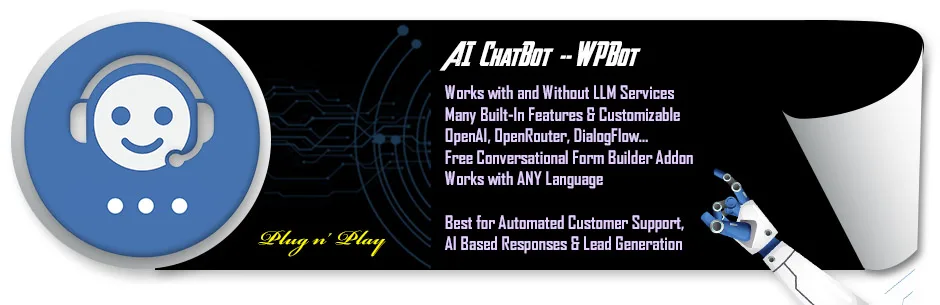
Best for: Sites that mainly need a smart chatbot Download: wordpress.org/plugins/chatbot
WPBot is a popular chatbot plugin for WordPress. It adds a chat window that helps visitors day and night. You can link it to ChatGPT for smart replies.
The bot can answer common questions on its own. This cuts down on support emails. It also collects leads and feedback from users.
WPBot is easy to set up with no code. The free version covers basic chat needs. Pro add-ons bring AI training and more channels.
- 24/7 automated chat support
- ChatGPT integration for smart replies
- Lead capture and feedback tools
- No-code setup for beginners
5. WordLift
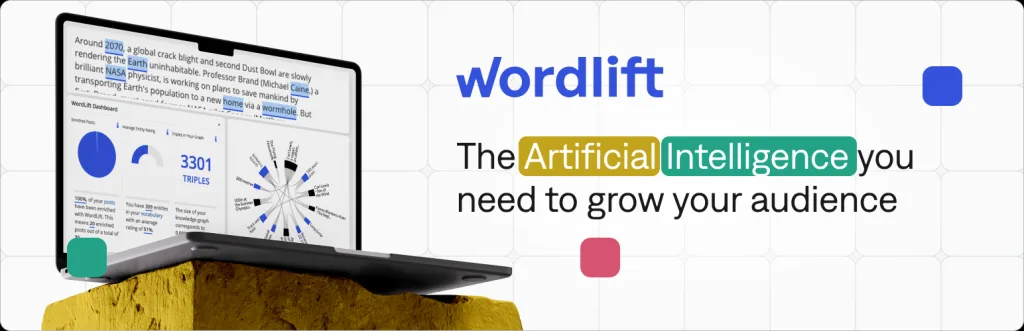
Best for: Publishers focused on SEO and structured data Download: wordpress.org/plugins/wordlift
WordLift uses AI to boost your SEO in a smart way. It adds structured data that helps search engines read your site. This can improve how you show in results.
The plugin builds a knowledge graph from your content. It links related posts to keep readers on your site. This raises time on page and trust.
WordLift suits news sites and large blogs. It works quietly in the background. A trial lets you see the SEO gains before you commit.
- AI-built structured data markup
- Knowledge graph for your content
- Smart internal linking tools
- Better rich results in search
6. Rank Math Content AI
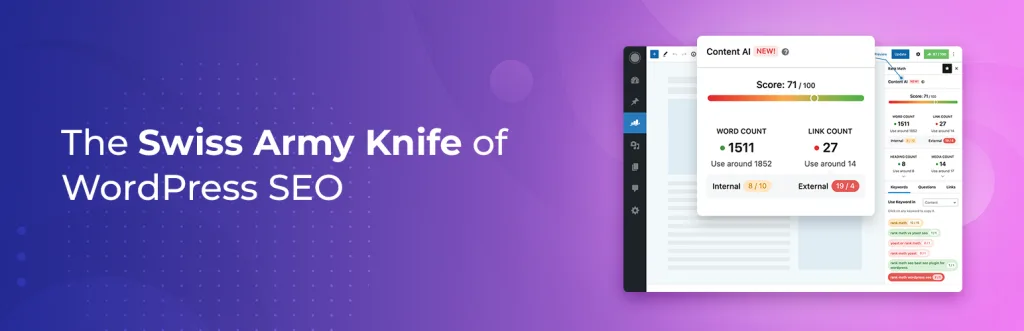
Best for: Rank Math users who want AI writing help Download: wordpress.org/plugins/seo-by-rank-math
Rank Math Content AI adds smart writing help to a top SEO plugin. If you use Rank Math, this feature fits right in. It suggests keywords, titles, and outlines.
The tool gives you AI prompts inside the editor. You can write meta text and FAQs fast. It also scores your content for SEO as you type.
This is a great pick if you already run Rank Math. You get AI tools without a new plugin. Content AI runs on a simple credit plan.
- AI writing inside Rank Math
- Keyword and outline suggestions
- Meta and FAQ text helpers
- Live SEO content scoring
7. MxChat
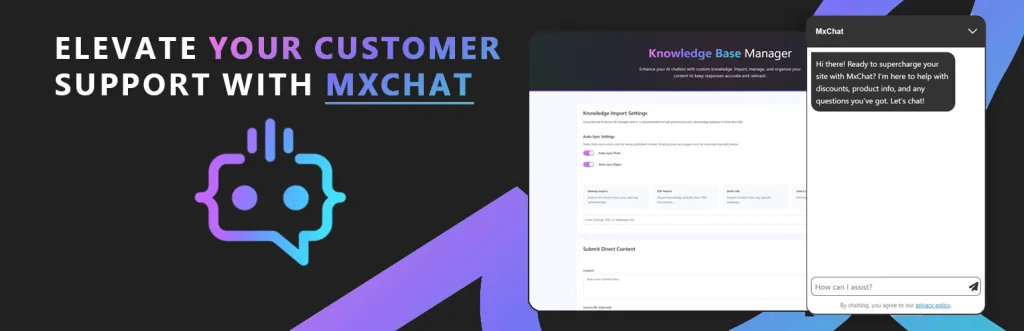
Best for: Sites wanting a fast AI support bot Download: wordpress.org/plugins/mxchat-basic
MxChat is a light AI chatbot plugin for WordPress. It connects to modern AI models for quick replies. Setup takes just a few minutes.
You can train the bot on your own posts and pages. This lets it answer with facts from your site. Visitors get help without waiting for staff.
MxChat keeps things simple and fast. The free version handles core chat tasks. It is a solid choice for small support teams.
- Trains on your own site content
- Connects to modern AI models
- Fast, lightweight chat widget
- Quick setup for small teams
8. AIBuddy
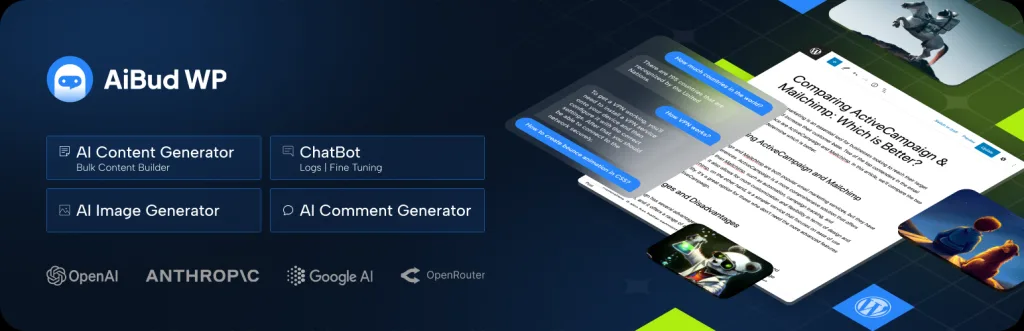
Best for: Beginners who want an easy ChatGPT helper Download: wordpress.org/plugins/aibuddy-openai-chatgpt
AIBuddy brings ChatGPT tools to your WordPress dashboard. It helps you write posts, replies, and ideas fast. The clean design makes it easy for new users.
You can generate blog drafts with a few clicks. The plugin also helps rewrite and shorten text. This saves time on daily writing tasks.
AIBuddy is a friendly starter tool for AI content. The free version lets you test the main features. It fits blogs and small business sites well.
- ChatGPT writing in your dashboard
- One-click blog draft creation
- Rewrite and shorten text tools
- Simple design for new users
9. Vibe AI
Best for: Creators who want AI chat and content blocks Download: wordpress.org/plugins/vibe-ai
Vibe AI adds AI content and chat tools to WordPress. You can build a chatbot and write posts in one place. It connects to popular AI models with ease.
The plugin offers ready blocks for the editor. You drop in AI text or chat where you need it. This keeps your workflow smooth and fast.
Vibe AI is built for creators and marketers. The free plan covers the basics well. Paid tiers unlock more models and features.
- AI chatbot and content blocks
- Works with popular AI models
- Editor blocks for quick use
- Free plan for core features
10. ChatGPT Assistant by AYS
Best for: Sites that want a flexible chat assistant Download: wordpress.org/plugins/ays-chatgpt-assistant
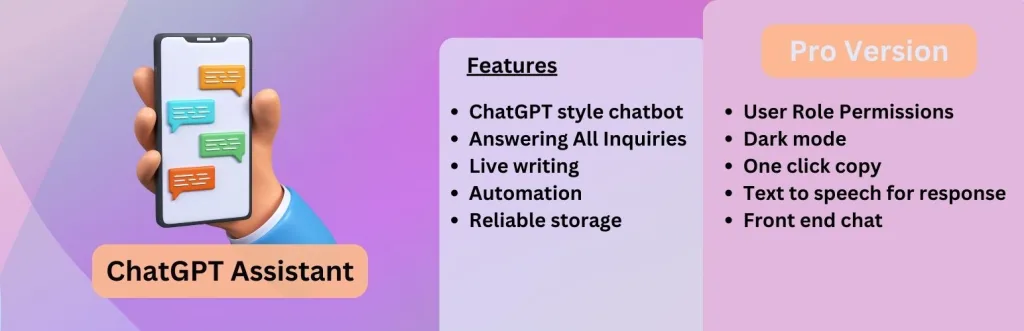
ChatGPT Assistant by AYS adds a smart chat box to your site. It uses OpenAI to answer visitor questions. You can style the widget to match your brand.
The plugin lets you set custom prompts and rules. This shapes how the bot talks to users. You can also save chat logs for review.
This tool is flexible and easy to control. The free version offers a good set of features. It works for shops, blogs, and service sites.
- OpenAI-powered chat assistant
- Custom prompts and chat rules
- Brand styling for the widget
- Chat logs for review and insight
Quick Comparison of the Top AI Plugins
| Plugin | Best Feature | Ideal For |
|---|---|---|
| AI Engine | All-in-one AI toolkit | Full AI needs |
| GetGenie | AI writing plus SEO | Bloggers |
| AI Power | Many features, low cost | Budget users |
| WPBot | Smart chatbot | Support chat |
| WordLift | SEO structured data | Publishers |
| Rank Math Content AI | AI in Rank Math | Rank Math users |
| MxChat | Fast support bot | Small teams |
| AIBuddy | Easy ChatGPT helper | Beginners |
| Vibe AI | Chat and content blocks | Creators |
| ChatGPT Assistant AYS | Flexible chat box | Service sites |
How to Choose the Right AI Plugin
Start with your main goal. If you want to write posts, GetGenie or AI Power fit well. If you need chat, try WPBot or MxChat.
Next, think about cost. Most AI plugins use models that charge per request. Choose a tool that shows your usage clearly. Test the free plan first. Then upgrade only when you need more power or features.
Common Mistakes to Avoid
Do not publish AI text without a review. AI can make mistakes or add wrong facts. Always read and edit the draft before you post it.
Avoid running two chatbots at once. This can confuse visitors and slow your site. Also, keep your API keys safe. Never share them in public or in plugin support chats.
Frequently Asked Questions
What is the best AI plugin for WordPress?
AI Engine is a top all-in-one pick. It offers chat, content, and image tools in one plugin. For SEO writing, GetGenie is also a strong choice.
Are AI plugins for WordPress free?
Many offer free versions with core features. AI Power and WPBot both have free plans. You often pay only for the AI model usage or Pro add-ons.
Do AI plugins need an OpenAI API key?
Most do, since they connect to models like ChatGPT. You get a key from the model provider and paste it into the plugin. Some plugins offer their own credits.
Can AI plugins write blog posts for me?
Yes. Tools like GetGenie and AI Power can draft full posts. Always review and edit the text before you publish to keep it accurate.
Will an AI chatbot slow down my site?
A good chatbot should have little impact. MxChat and WPBot are built to stay light. The chat widget loads on its own and does not block the page.
Are AI plugins good for SEO?
Yes, when used well. WordLift adds structured data for search engines. GetGenie and Rank Math Content AI help you match keywords and search intent.
Is AI content safe for Google rankings?
Google allows helpful AI content that serves users. The key is quality and accuracy. Edit AI drafts and add real value so your posts rank well.
Can I train an AI chatbot on my own content?
Yes. AI Engine and MxChat let you train the bot on your posts and pages. This helps it give answers based on your own site.
Which AI plugin is best for beginners?
AIBuddy and WPBot are easy for new users. They need no code and have clean menus. You can add AI writing or chat in just a few clicks.
How much do AI plugins cost to run?
The plugin may be free, but AI models charge per use. Costs depend on how much text or chat you generate. Most plugins show your spend so you stay in control.
Conclusion
The right AI plugin can transform how you run your WordPress site. For most users, AI Engine and AI Power give the best mix of tools. Bloggers who care about SEO will love GetGenie and WordLift.
Pick the plugin that matches your main goal and test it for free first. Ready to build a fast, modern site to pair with these tools? Explore our free WordPress themes and get started today.