Big images are the top reason WordPress sites load slowly. A single huge photo can drag a whole page down. Slow pages lose visitors and rank lower.
The best WordPress image optimization plugins fix this. They shrink your images and convert them to modern formats like WebP. Your pages stay sharp but load much faster.
Every plugin on this list lives on the official WordPress.org plugin directory. So each one is free to install today, has passed WordPress’s review, and offers paid plans for more image credits.
Key Takeaways
- Smaller images mean faster pages, better Core Web Vitals, and higher rankings.
- WebP and AVIF are the goal. These modern formats cut file size while keeping quality.
- Smush and ShortPixel lead, while Optimole adds a handy image CDN.
What Makes a Great Image Optimization Plugin?
The best WordPress image optimization plugins combine strong compression with WebP conversion, bulk optimization, and lazy loading. They shrink file size without hurting how images look.
That is the short version. Here is why each part matters.
Compression is the core job. A good plugin shrinks images a lot while keeping them sharp. That cuts page weight and speeds up load times.
Modern formats seal the win. WordPress runs over 43% of all websites, according to W3Techs. Converting to WebP or AVIF cuts image size even more, so your pages load fast for everyone.
Best Image Optimization Plugins for WordPress
We compared the top image plugins on WordPress.org by compression, WebP support, and ease of use. Here are the ten best to speed up your site.
1. Smush
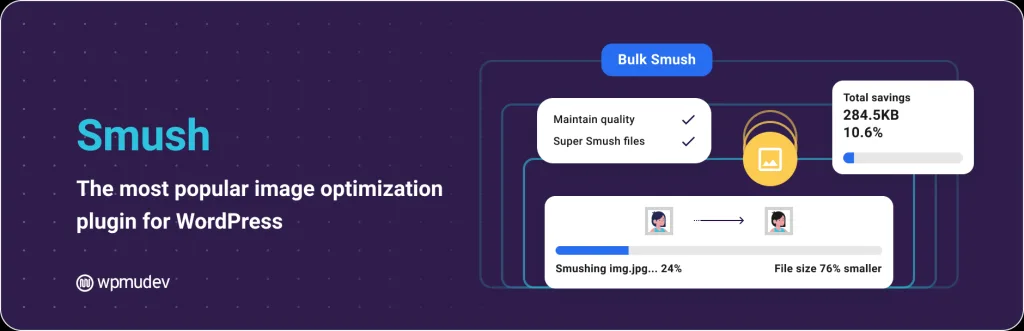
Best for: Easy, popular image compression. Download: wordpress.org/plugins/wp-smushit
Smush is one of the most popular image plugins, used on over a million sites. It compresses your images without hurting quality, and it does most of the work for you.
It offers bulk optimization, lazy loading, and WebP support. New uploads are compressed on their own, so you set it and forget it. The free version handles most sites well. For a simple, trusted way to shrink images and speed up your site, Smush is a top choice.
- Compress without quality loss
- Bulk optimize your library
- Lazy loading and WebP
- Auto-compress new uploads
2. ShortPixel

Best for: Strong compression and WebP or AVIF. Download: wordpress.org/plugins/shortpixel-image-optimiser
ShortPixel is loved for its powerful compression and fair pricing. It shrinks images a lot and converts them to WebP and AVIF, the two best modern formats.
You can pick lossy, glossy, or lossless compression to balance size and quality. It also offers bulk optimization and an optional CDN. The free tier gives you monthly credits to start. For sites with lots of images that want top compression, ShortPixel is a favorite pick.
- Strong compression options
- WebP and AVIF conversion
- Lossy, glossy, or lossless
- Optional image CDN
3. Imagify
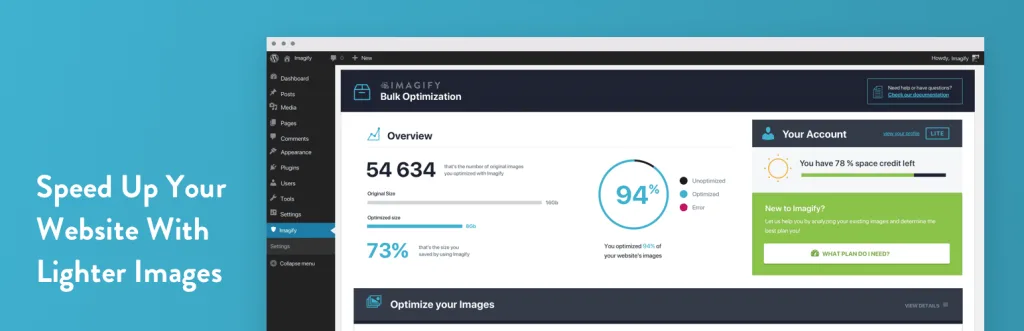
Best for: Simple, hands-off optimization. Download: wordpress.org/plugins/imagify
Imagify, from the makers of WP Rocket, is built to be simple. It compresses images and converts them to WebP and AVIF with almost no effort from you.
You pick a compression level and let it run in the background. Bulk optimization handles your old images, and new ones are done on upload. It plays nicely with WP Rocket for a full speed setup. For an easy, set-and-forget image tool, Imagify is a clean, reliable choice.
- Simple, hands-off setup
- WebP and AVIF conversion
- Bulk and auto optimize
- Pairs well with WP Rocket
4. Optimole
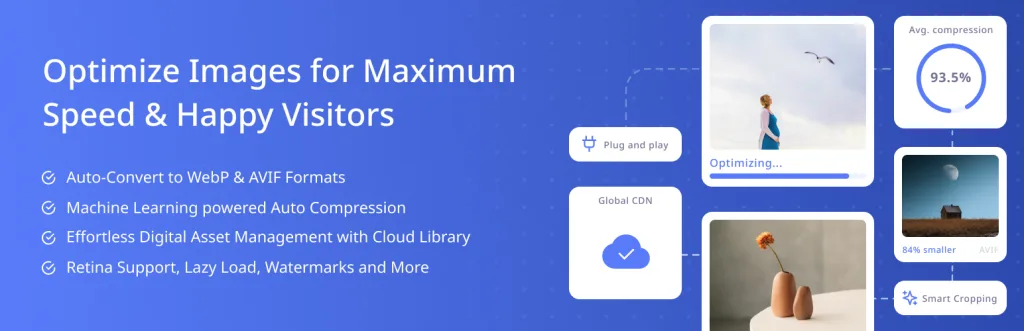
Best for: Image CDN and on-the-fly delivery. Download: wordpress.org/plugins/optimole-wp
Optimole takes a cloud-based approach. It stores and serves your images through a fast CDN, resizing and converting them on the fly for each visitor.
This means each user gets the perfect image size for their screen. It handles WebP, AVIF, and lazy loading with no bulky files on your server. The free plan covers many small sites. For a modern, CDN-first way to serve images fast worldwide, Optimole is a smart pick.
- Fast image CDN delivery
- Right image size per screen
- WebP, AVIF, and lazy load
- Keeps your server light
5. EWWW Image Optimizer

Best for: No monthly limits on your own server. Download: wordpress.org/plugins/ewww-image-optimizer
EWWW Image Optimizer can compress images right on your own server. That means no monthly credit limits in the free mode, which many site owners love.
It supports WebP conversion, bulk optimization, and lazy loading. You can also use its cloud service for even better results. It is a flexible tool that fits both small blogs and large libraries. For a plugin that optimizes without capping your monthly images, EWWW is a strong option.
- Optimize on your own server
- No monthly credit limit free
- WebP and lazy loading
- Optional cloud service
6. Converter for Media
Best for: Free WebP and AVIF conversion. Download: wordpress.org/plugins/webp-converter-for-media
Converter for Media focuses on one job: turning your images into WebP and AVIF. It does this for free, with no monthly limits, which is a big draw.
It converts images on your server and serves the new format to browsers that support it. Older browsers still get the original, so nothing breaks. Setup is simple, and it works well with most caching plugins. For free, unlimited WebP conversion, Converter for Media is a top pick.
- Free WebP and AVIF conversion
- No monthly limits
- Serves new format safely
- Works with caching plugins
7. TinyPNG

Best for: Trusted, high-quality compression. Download: wordpress.org/plugins/tiny-compress-images
TinyPNG is a well-known name in image compression, and its plugin brings that power to WordPress. It shrinks JPEG, PNG, and WebP files while keeping them crisp.
The smart compression keeps quality high even at small sizes. It compresses new uploads on their own and can bulk optimize old ones. The free tier gives you a monthly image count to start. For clean, dependable compression from a trusted brand, TinyPNG is a solid, no-fuss pick.
- High-quality smart compression
- JPEG, PNG, and WebP support
- Auto and bulk optimize
- Trusted brand
8. WebP Express

Best for: Free, server-side WebP serving. Download: wordpress.org/plugins/webp-express
WebP Express is a free tool that creates and serves WebP images. It generates the smaller files and delivers them to browsers that support the format.
It gives you fine control over how and where WebP is served. That flexibility appeals to more technical users. It has no monthly limits, since it runs on your server. For a free, capable WebP tool that you can tune to your needs, WebP Express is a favorite among developers.
- Free WebP creation and serving
- Fine control over delivery
- No monthly limits
- Great for developers
9. reSmush.it

Best for: A completely free optimizer. Download: wordpress.org/plugins/resmushit-image-optimizer
reSmush.it is a free image optimizer with no paid plan needed. It compresses your JPEG, PNG, and GIF files through its own free service.
You can bulk optimize your whole library and set new uploads to compress on their own. It is simple and light, which suits smaller blogs on a budget. There are limits on very large files, but for free, easy image compression, reSmush.it is a handy, no-cost tool.
- Completely free service
- Bulk optimize your library
- Auto-compress new uploads
- Light and simple
10. Robin Image Optimizer
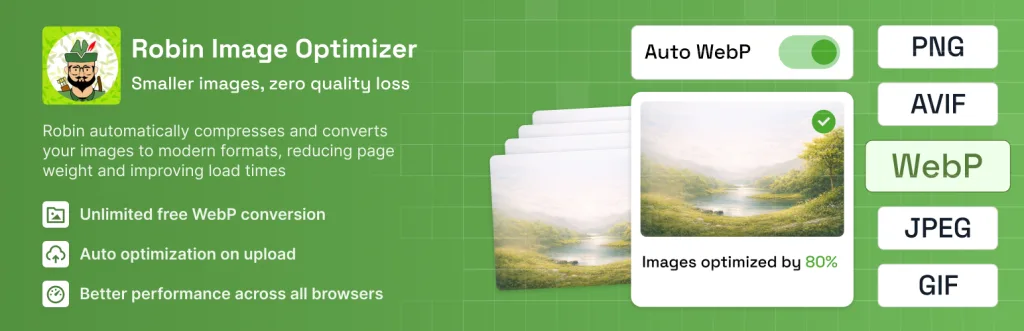
Best for: Unlimited free compression. Download: wordpress.org/plugins/robin-image-optimizer
Robin Image Optimizer offers unlimited free image compression. It shrinks your images in bulk and can convert them to WebP for smaller files.
It runs compression automatically on upload and keeps a backup of your originals. That backup is handy if you ever want to restore full-size images. It is a good fit for image-heavy sites that do not want monthly caps. For unlimited, free optimization with backups, Robin is a strong option.
- Unlimited free compression
- Bulk optimize and WebP
- Keeps original backups
- Good for image-heavy sites
Quick Comparison: Image Optimization Plugins
| Plugin | Best For | WebP/AVIF |
|---|---|---|
| Smush | Popular, easy compression | WebP |
| ShortPixel | Strong compression | WebP and AVIF |
| Imagify | Hands-off optimizing | WebP and AVIF |
| Optimole | Image CDN delivery | WebP and AVIF |
| EWWW | No monthly limits | WebP |
| Converter for Media | Free format conversion | WebP and AVIF |
| TinyPNG | Trusted compression | WebP |
| WebP Express | Server-side WebP | WebP |
| reSmush.it | Fully free | Compression only |
| Robin Image Optimizer | Unlimited free | WebP |
How to Choose the Right Image Plugin
Start with your needs. For easy, popular compression, Smush fits. For top quality and AVIF, ShortPixel or Imagify lead. For a CDN, pick Optimole.
Then think about limits. If you have many images and hate monthly caps, EWWW, Converter for Media, or Robin run on your own server for free.
- WebP support: Choose a plugin that converts to WebP or AVIF.
- Limits: Check monthly image caps on free plans.
- CDN: Pick an image CDN for a global audience.
- Backups: Keep your originals in case you re-optimize.
Common Image Optimization Mistakes to Avoid
Uploading huge files. Resize photos before you upload. A 4000-pixel image on a small spot wastes weight.
Skipping WebP. WebP cuts size a lot. Turn it on so modern browsers get smaller files.
Over-compressing. Too much compression makes images look blurry. Use a balanced setting that keeps them sharp.
No backups. Keep your original images. That way you can re-optimize later without losing quality.
Frequently Asked Questions
What is the best image optimization plugin for WordPress?
Smush and ShortPixel are top picks, while Imagify and Optimole are great for WebP conversion and image CDN delivery.
Do image optimization plugins speed up my site?
Yes. Smaller images load faster, which cuts page weight, boosts speed, and improves your Core Web Vitals scores.
What is WebP and why does it matter?
WebP is a modern image format that is much smaller than JPEG or PNG. It keeps quality high while cutting file size for faster pages.
Are these image plugins free?
Yes. Each has a free version on WordPress.org. Paid plans add more monthly image credits and extra features.
Do these plugins convert images to WebP?
Yes. Smush, ShortPixel, Imagify, Converter for Media, and others convert your images to WebP and even AVIF.
Will optimizing images lower quality?
Only a little, if at all. Most plugins use smart compression that shrinks file size while keeping images sharp.
Can I optimize images I already uploaded?
Yes. Every plugin here offers bulk optimization, so you can compress your whole media library at once.
Do image plugins support lazy loading?
Many do. Smush, Optimole, and others add lazy loading, so images load only when a visitor scrolls to them.
Which plugin uses an image CDN?
Optimole and ShortPixel offer an image CDN, which serves optimized images from fast servers close to your visitors.
Can I switch image plugins later?
Yes. Keep your original images, then re-optimize with the new plugin. Test your site speed after the switch.
Conclusion
The best WordPress image optimization plugins shrink your images and speed up your site. Smush and ShortPixel lead on compression, Imagify keeps it simple, and Optimole adds a fast image CDN.
Whichever you pick, turn on WebP, keep quality high, and save your originals. Smaller images mean faster pages, better rankings, and happier visitors.
Want a theme that is already light and fast? Explore our free WordPress themes at StrivioThemes and start with speed built in.