
Picking an ecommerce plugin is one of the biggest choices you make for an online store. The right one handles products, carts, payments, and checkout without slowing your site or draining your budget.
The best WordPress ecommerce plugins turn any site into a real shop. Whether you sell physical goods, digital downloads, subscriptions, or take simple payments, there is a tool here for you. Every pick is free to start.
Every plugin on this list lives on the official WordPress.org plugin directory. So each one is free to install today, has passed WordPress’s review, and offers paid upgrades when your store grows.
Key Takeaways
- WooCommerce leads the pack for full online stores, with the biggest add-on library and community support.
- SureCart and Easy Digital Downloads shine for simple stores, subscriptions, and digital products.
- Payment plugins like WP Simple Pay let you take card payments without building a full shopping cart.
What Makes a Great WordPress Ecommerce Plugin?
The best WordPress ecommerce plugins combine easy setup with secure payments, a smooth shopping cart, and a clean checkout. They stay fast, support many payment gateways, and grow with your store.
That is the short version. Here is why each part matters.
Payments and trust come first. Your plugin needs safe gateways like Stripe and PayPal, plus a short checkout that does not scare buyers away. Extra steps and fees cost you sales.
Speed and room to grow matter too. WooCommerce alone powers a huge share of online stores, and WordPress runs over 43% of all websites, according to W3Techs. A light, well-built plugin keeps your shop quick as it scales.
10 Best WordPress Ecommerce Plugins Compared
We compared the top ecommerce plugins on WordPress.org by ease of use, payment options, speed, and features. Here are the ten worth your time, from full store builders to simple payment tools.
1. WooCommerce

Best for: Full online stores of any size. Download: wordpress.org/plugins/woocommerce
WooCommerce is the most popular WordPress ecommerce plugin by far, powering millions of online stores. It turns your site into a complete shop with products, a cart, checkout, taxes, and shipping, all from one dashboard.
Its biggest strength is the huge add-on library. You can add nearly any payment gateway, subscription tool, or shipping option through free and paid extensions. It works with most themes and page builders too. The trade-off is that a big store needs caching and good hosting to stay fast. For most sellers, WooCommerce is the safe, flexible choice.
- Sells physical goods, digital downloads, and services
- Thousands of free and paid extensions
- Supports Stripe, PayPal, and many gateways
- Works with most themes and builders
2. Easy Digital Downloads
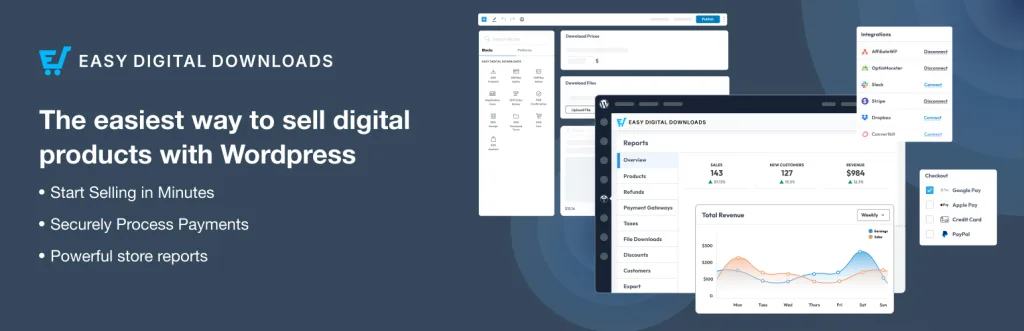
Best for: Selling digital products and files. Download: wordpress.org/plugins/easy-digital-downloads
Easy Digital Downloads, or EDD, is built just for digital goods. If you sell ebooks, software, music, or templates, it handles secure file delivery, licenses, and downloads better than a general store plugin.
It skips shipping and stock features you do not need, which keeps it light and simple. You get a clean cart, discount codes, and detailed sales reports. Add-ons cover subscriptions, software licensing, and more payment gateways. For creators and software sellers, EDD is a focused, reliable pick that just works.
- Made for digital downloads and files
- Secure delivery and download links
- Subscriptions and software licensing add-ons
- Clean reports and discount codes
3. SureCart

Best for: Fast, modern stores with a light footprint. Download: wordpress.org/plugins/surecart
SureCart is a newer ecommerce plugin built for speed. It stores much of your data in the cloud, so your site stays light while still handling products, subscriptions, and payments with ease.
It sells physical products, digital downloads, and recurring plans, with a slick checkout that lifts conversions. Setup is quick and beginner friendly. Because it is cloud-based, it avoids the database bloat that slows some big stores. For sellers who want a fast, simple, modern shop without heavy add-ons, SureCart is a standout choice.
- Lightweight, cloud-based setup
- Physical goods, downloads, and subscriptions
- High-converting, modern checkout
- Beginner-friendly dashboard
4. Ecwid by Lightspeed

Best for: Selling across many channels at once. Download: wordpress.org/plugins/ecwid-shopping-cart
Ecwid is a hosted shopping cart that plugs into WordPress. Its big draw is multichannel selling: one catalog can appear on your site, plus Instagram, Facebook, and marketplaces, all synced together.
Because the store runs in the cloud, it stays light on your site and is quick to set up. You get products, a cart, and secure checkout with no complex settings. The free plan suits small catalogs, and paid plans unlock more products and features. For sellers who want to reach buyers everywhere, Ecwid is a smart, low-effort option.
- Sell on your site plus social and marketplaces
- Cloud-based and light on your site
- Quick, no-fuss setup
- Free plan for small stores
5. WP EasyCart
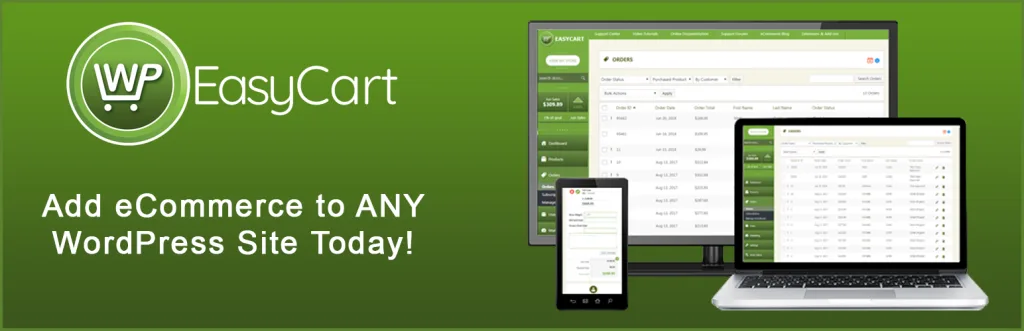
Best for: A simple all-in-one shopping cart. Download: wordpress.org/plugins/wp-easycart
WP EasyCart is a self-contained store plugin that sells physical goods, digital downloads, and subscriptions. It packs many features into one plugin, so you rely less on separate add-ons.
It includes product pages, a cart, tax and shipping tools, and support for popular payment gateways. The admin panel is straightforward, which suits small businesses that want everything in one place. It is not as widely used as WooCommerce, but it is a solid, budget-friendly alternative for a simple online store that does not need endless extensions.
- All-in-one cart with fewer add-ons needed
- Physical, digital, and subscription products
- Built-in tax and shipping tools
- Simple admin for small businesses
6. WP Simple Pay
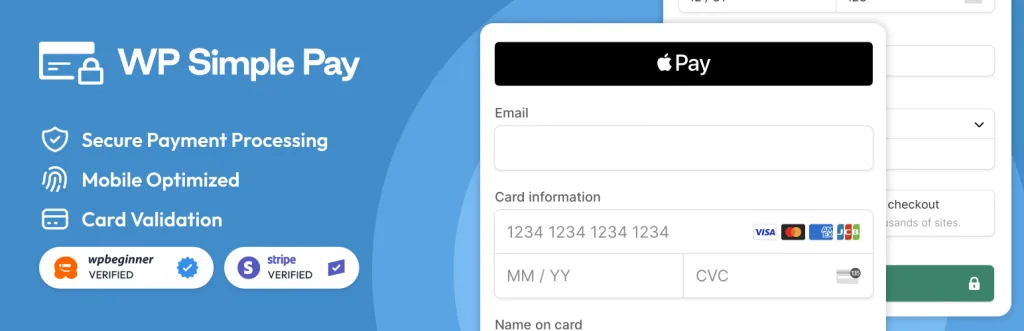
Best for: Taking payments without a full cart. Download: wordpress.org/plugins/stripe
WP Simple Pay lets you accept Stripe card payments with simple forms, no shopping cart required. It is perfect when you sell one service, take deposits, or collect one-off and recurring payments.
You build a payment form, add it to any page, and get paid straight through Stripe. It supports subscriptions, coupons, and custom amounts. Because there is no full store to manage, setup is fast and the site stays light. For coaches, freelancers, and service sellers, WP Simple Pay is the quickest way to start charging customers.
- Accept Stripe payments with simple forms
- One-off and recurring payments
- No shopping cart to manage
- Great for services and deposits
7. GiveWP
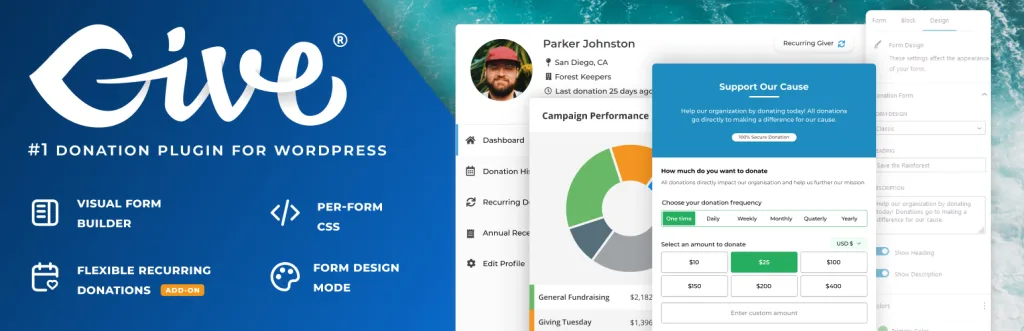
Best for: Donations and fundraising. Download: wordpress.org/plugins/give
GiveWP is the top choice for accepting donations on WordPress. If you run a nonprofit, charity, or cause, it handles donation forms, recurring giving, and donor records far better than a standard cart.
You can build custom donation forms, set goals, and offer one-time or monthly gifts. It supports Stripe, PayPal, and other gateways, plus detailed donor reports and tax receipts. While it is not for selling products, it is the best tool here for turning support into steady funding. For any cause-driven site, GiveWP is a must-have.
- Custom donation forms and goals
- One-time and recurring donations
- Donor records and tax receipts
- Stripe, PayPal, and more gateways
8. WooCommerce PayPal Payments

Best for: Adding PayPal to a WooCommerce store. Download: wordpress.org/plugins/woocommerce-paypal-payments
This official plugin adds full PayPal support to WooCommerce. It brings PayPal, Pay Later, and card payments to your checkout, which many shoppers trust and prefer.
Offering PayPal can lift conversions, since some buyers only pay through accounts they already have. The plugin adds smart payment buttons on product and cart pages too, so people can check out faster. It is a payment add-on, not a full store, so you pair it with WooCommerce. If you run WooCommerce, this is a near-essential way to widen your payment options.
- Official PayPal gateway for WooCommerce
- PayPal, Pay Later, and card payments
- Smart buttons for faster checkout
- Can lift buyer trust and conversions
9. WP Crowdfunding
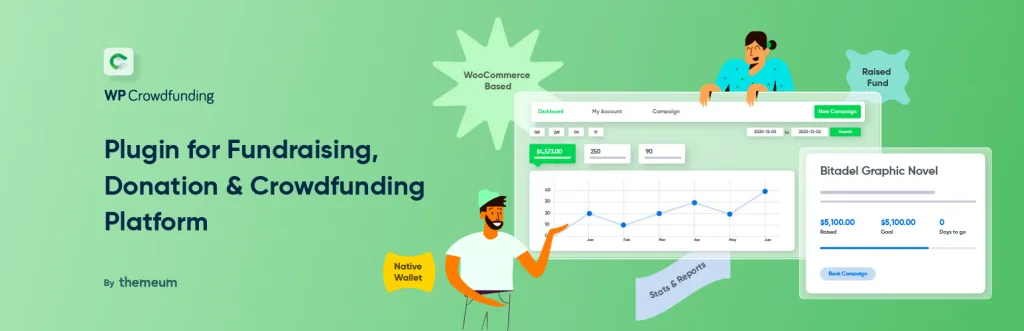
Best for: Crowdfunding campaigns on WooCommerce. Download: wordpress.org/plugins/wp-crowdfunding
WP Crowdfunding turns WooCommerce into a Kickstarter-style platform. If you raise money for products, projects, or causes, it adds funding goals, backer rewards, and campaign deadlines to your store.
Backers can pledge at different reward levels, and you can track progress toward each goal. It works on top of WooCommerce, so you keep all its payment and product tools. This is a niche pick, but for creators and startups pre-selling an idea, it is the clearest path to run a full crowdfunding campaign on your own site.
- Funding goals and campaign deadlines
- Backer reward levels
- Built on top of WooCommerce
- Great for pre-selling products
10. BigCommerce for WordPress
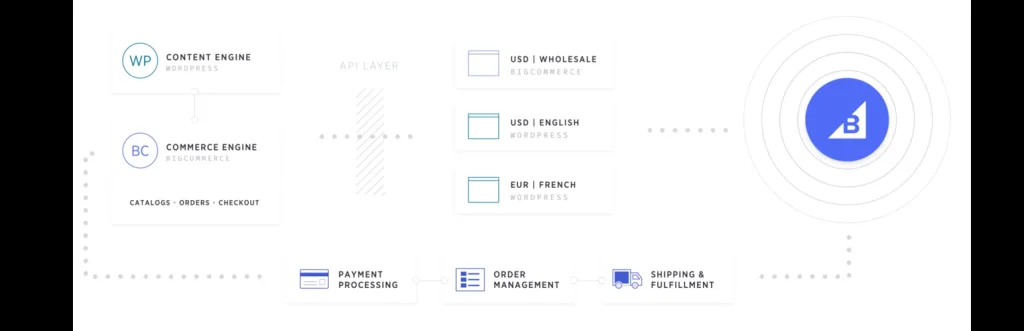
Best for: Large, high-volume stores. Download: wordpress.org/plugins/bigcommerce
BigCommerce for WordPress connects the powerful BigCommerce platform to your site. The heavy lifting, like catalog, checkout, and payments, runs on BigCommerce, while your content stays on WordPress.
This split keeps your WordPress site light even with a huge catalog and lots of traffic. You get strong multichannel selling, built-in features, and enterprise-grade tools. It suits bigger brands that outgrow a standard plugin and want scale without slowing their site. For high-volume sellers who value performance and reliability, BigCommerce is a serious option.
- Runs the store engine off your site
- Handles large catalogs and high traffic
- Strong multichannel selling
- Enterprise-grade features
Quick Comparison: WordPress Ecommerce Plugins
| Plugin | Best For | Standout Feature |
|---|---|---|
| WooCommerce | Full online stores | Huge add-on library |
| Easy Digital Downloads | Digital products | Secure file delivery |
| SureCart | Fast modern stores | Cloud-based and light |
| Ecwid by Lightspeed | Multichannel selling | Sell everywhere |
| WP EasyCart | Simple all-in-one cart | Few add-ons needed |
| WP Simple Pay | Payments without a cart | Stripe payment forms |
| GiveWP | Donations | Donation forms and goals |
| WooCommerce PayPal Payments | PayPal on WooCommerce | Official PayPal gateway |
| WP Crowdfunding | Crowdfunding | Goals and rewards |
| BigCommerce | High-volume stores | Scales off your site |
How to Choose the Right Ecommerce Plugin
Start with what you sell. For physical goods, WooCommerce or SureCart fit. For digital downloads, Easy Digital Downloads leads. For simple payments, WP Simple Pay is quickest.
Then weigh speed and scale. Cloud-based tools like SureCart, Ecwid, and BigCommerce keep your site light, which helps big catalogs stay fast.
- Product type: Match the plugin to physical, digital, or services.
- Payments: Check it supports Stripe, PayPal, or your gateway.
- Speed: Cloud-based plugins keep large stores fast.
- Room to grow: Make sure it scales with your catalog.
Common Ecommerce Plugin Mistakes to Avoid
Installing too many add-ons. Each one adds weight. Keep only the extensions you truly use to protect site speed.
Skipping caching. Stores need caching and image optimization to stay fast. Do not launch without them.
A long checkout. Every extra field loses sales. Keep checkout short and offer guest checkout.
One payment option. Offer at least two gateways, like Stripe and PayPal, so more buyers can pay their way.
Frequently Asked Questions
What is the best WordPress ecommerce plugin?
WooCommerce is the best all-round WordPress ecommerce plugin, while SureCart and Easy Digital Downloads are strong picks for simple stores and digital downloads.
Which WordPress ecommerce plugin is best for beginners?
SureCart and Ecwid by Lightspeed are the easiest for beginners, with quick setup, hosted checkout, and clean dashboards.
Are these ecommerce plugins free?
Yes. Every plugin here has a free version on WordPress.org. Most offer paid add-ons or plans for extra features and payment options.
Can I sell digital products with WordPress?
Yes. Easy Digital Downloads and SureCart are built for digital products, with secure file delivery, licenses, and subscriptions.
Do I need WooCommerce to sell online?
No. WooCommerce is the most popular option, but SureCart, Ecwid, and WP EasyCart are full alternatives that also handle products, carts, and checkout.
Which plugin is best for subscriptions?
SureCart, Easy Digital Downloads, and WP Simple Pay all support recurring payments and subscriptions out of the box or with add-ons.
Can I take payments without a full store?
Yes. WP Simple Pay lets you accept Stripe card payments with simple forms, and WooCommerce PayPal Payments adds PayPal to any WooCommerce store.
Are these ecommerce plugins mobile friendly?
Yes. All ten work on responsive themes, so your store and checkout look sharp and work well on phones and tablets.
Will an ecommerce plugin slow my site?
It can add weight, but a light theme, caching, and image optimization keep your store fast even with many products.
Can I switch ecommerce plugins later?
Yes, but plan ahead. Products and orders can often be exported and imported, though checkout and settings usually need to be rebuilt.
Conclusion
The best WordPress ecommerce plugins cover every kind of selling. WooCommerce leads for full stores, Easy Digital Downloads and SureCart shine for digital products and speed, and tools like WP Simple Pay and GiveWP handle payments and donations with ease.
Whichever you pick, focus on the basics: easy setup, safe payments, a short checkout, and fast pages. Those things decide whether your online store sells or stalls.
Need a fast, store-ready theme to pair with your plugin? Explore our free WordPress themes at StrivioThemes and build a shop that converts.